
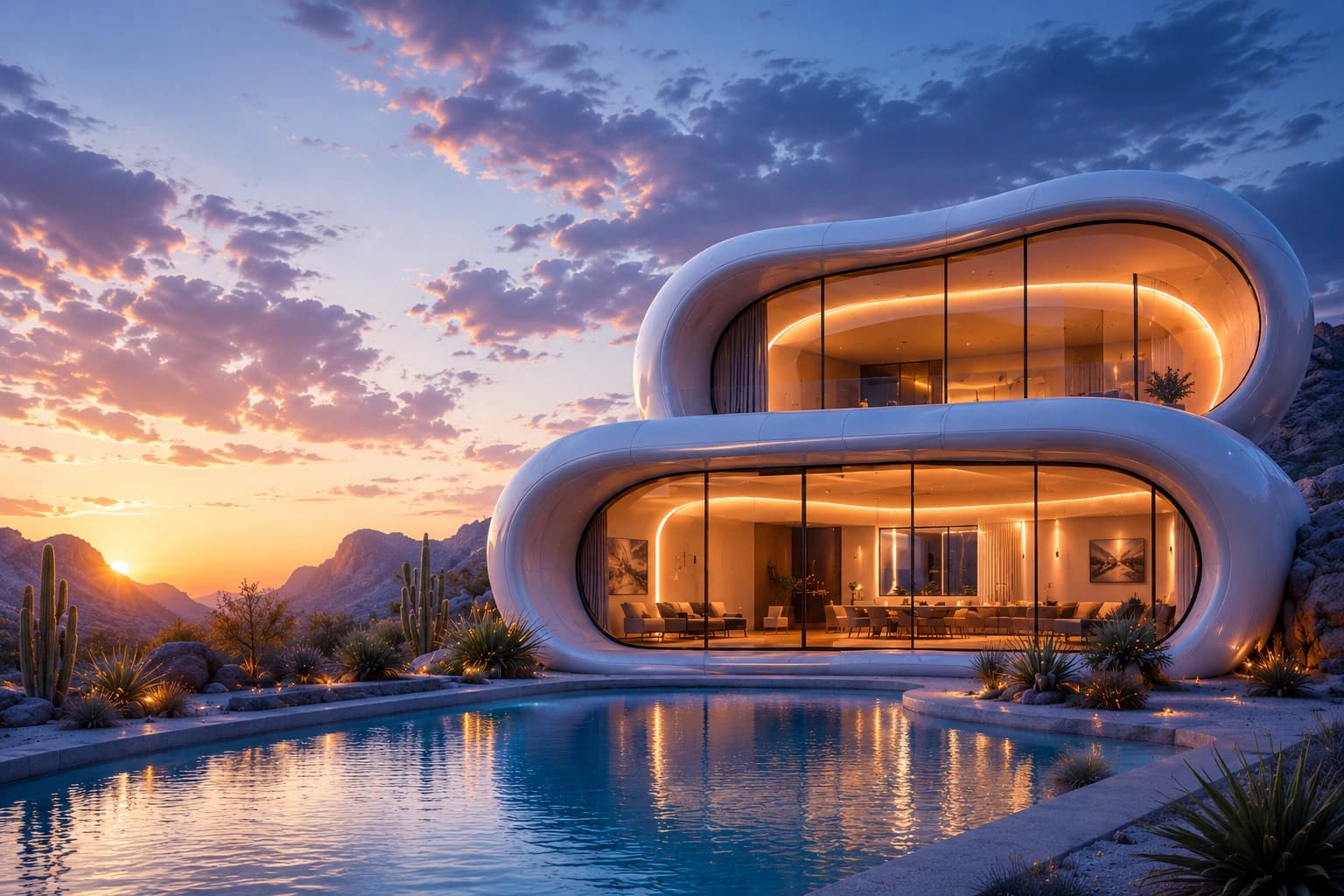
Everything Required to Build with Homsutraa
Access comprehensive guides, API references, infrastructure workflows, and integration resources for intelligent rendering, spatial AI, and immersive visualization systems.
- Create Workspace
- API Credentials
- First Render
- Rendering
- Scene Generation
- Spatial AI
- Workflow
- API Keys
- Request Signing
- RBAC
- Applications
- Enterprise Deploy
- Automation
section 01
Quickstart
$ npm install @homsutraa
✓ ready · ~12s
Endpoints
42+
SDKs
4
Examples
120+
Built for Modern Visualization Development
Homsutraa documentation provides developers, enterprise teams, and visualization platforms with the resources required to integrate rendering infrastructure, automate scene generation, and scale spatial AI workflows efficiently.
Launch Your Visualization Workflow Quickly
Set up intelligent rendering infrastructure and connect spatial AI systems within minutes.
step 01
Create Workspace
Initialize your visualization environment and configure infrastructure access.
~ 1 minworkspace.sh$ homsutraa workspace create --name acme-studio✓ workspace.id ws_a82f✓ region us-west-2✓ ready · 4sstep 02
Generate API Credentials
Securely create authentication tokens for API access and rendering operations.
~ 2 minauth.sh$ homsutraa keys create --role render✓ key.id hk_4f2a✓ scope render, scenes✓ ready · use HOMSUTRAA_KEY=…step 03
Configure Integration
Connect rendering workflows and spatial AI systems to your application environment.
~ 3 minintegrate.ts> import { Homsutraa } from "@homsutraa/sdk";> const hs = new Homsutraa({ key: process.env.HOMSUTRAA_KEY });✓ client.readystep 04
Start Visualization Processing
Generate immersive scenes and manage rendering operations programmatically.
~ 4 minfirst-render.ts> await hs.render({ scene: "villa-001", mode: "realtime" });✓ scene.loaded✓ frame.ready · 10ms↳ ↳ streaming · WSS
Scalable APIs for Spatial Intelligence
Access developer-ready APIs for rendering automation, immersive scene generation, and intelligent spatial processing.
Secure Infrastructure Access
Homsutraa uses secure authentication systems to protect rendering operations and enterprise visualization environments.
$ curl https://api.homsutraa.com/v1/render \
  -H "Authorization: Bearer $HOMSUTRAA_KEY" \
  -H "Content-Type: application/json" \
  -d '{ "scene": "villa-001", "mode": "realtime" }'

// → 200 OK · session.attachedAPI Key Management
Generate and manage secure access credentials for infrastructure systems.
Secure Request Validation
Protect visualization workflows through encrypted authentication systems.
Role-Based Access Control
Manage infrastructure permissions across collaborative environments.
Enterprise Security Standards
Maintain secure rendering operations and protected visualization assets.
Flexible Workflow Integration
Connect Homsutraa infrastructure with applications, enterprise systems, and modern visualization platforms efficiently.
Embed rendering directly in your app
- 1Install the @homsutraa/sdk package
- 2Initialize the client with your API key
- 3Open a render session and stream frames
- 4Handle scene updates over WSS
Read full guide →example.tscopyawait hs.render({ scene: "villa-001" });
Accelerated Visualization Processing
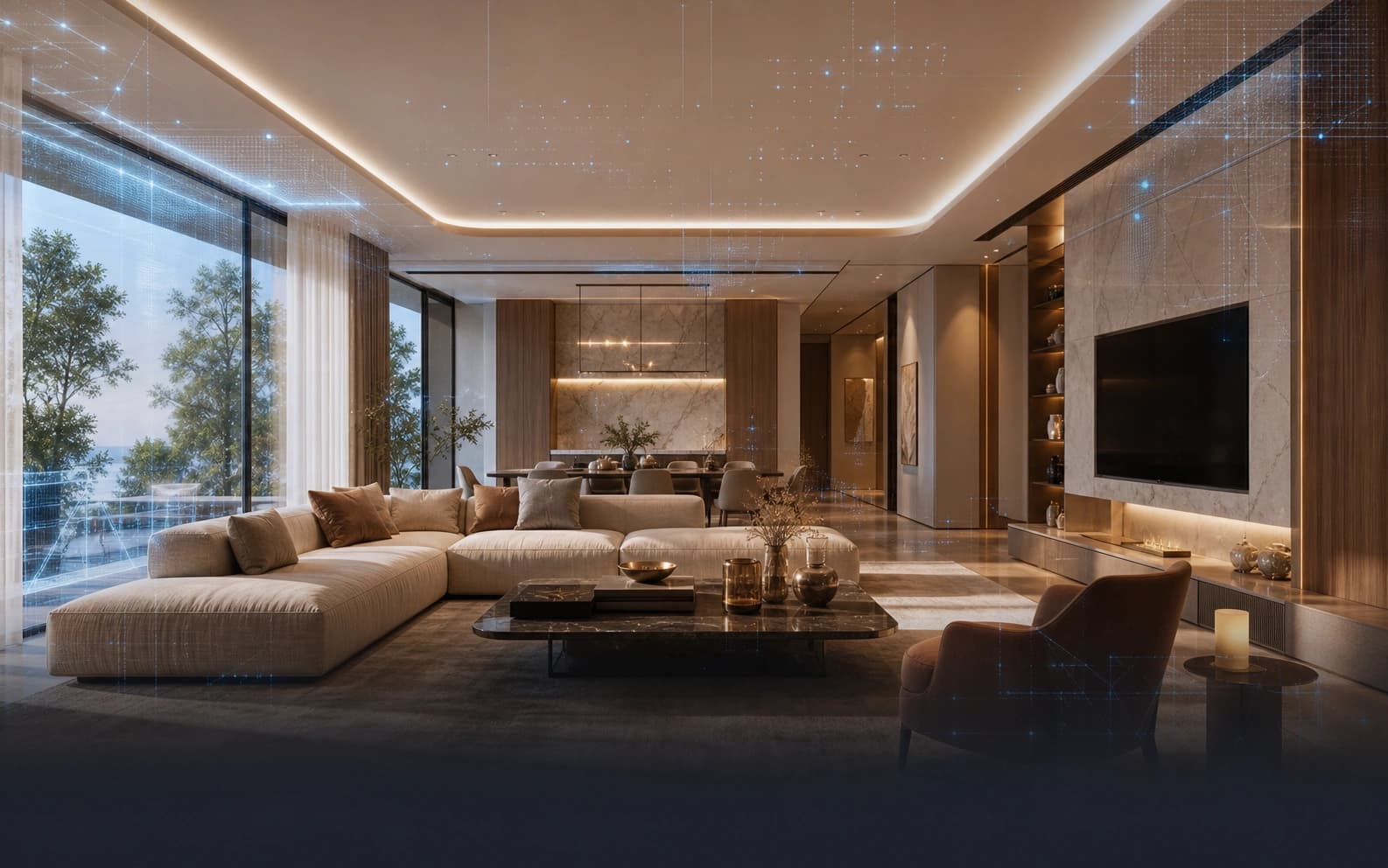
Learn how to optimize rendering workflows, configure visualization pipelines, and manage immersive scene generation systems.


Intelligent Environment Processing
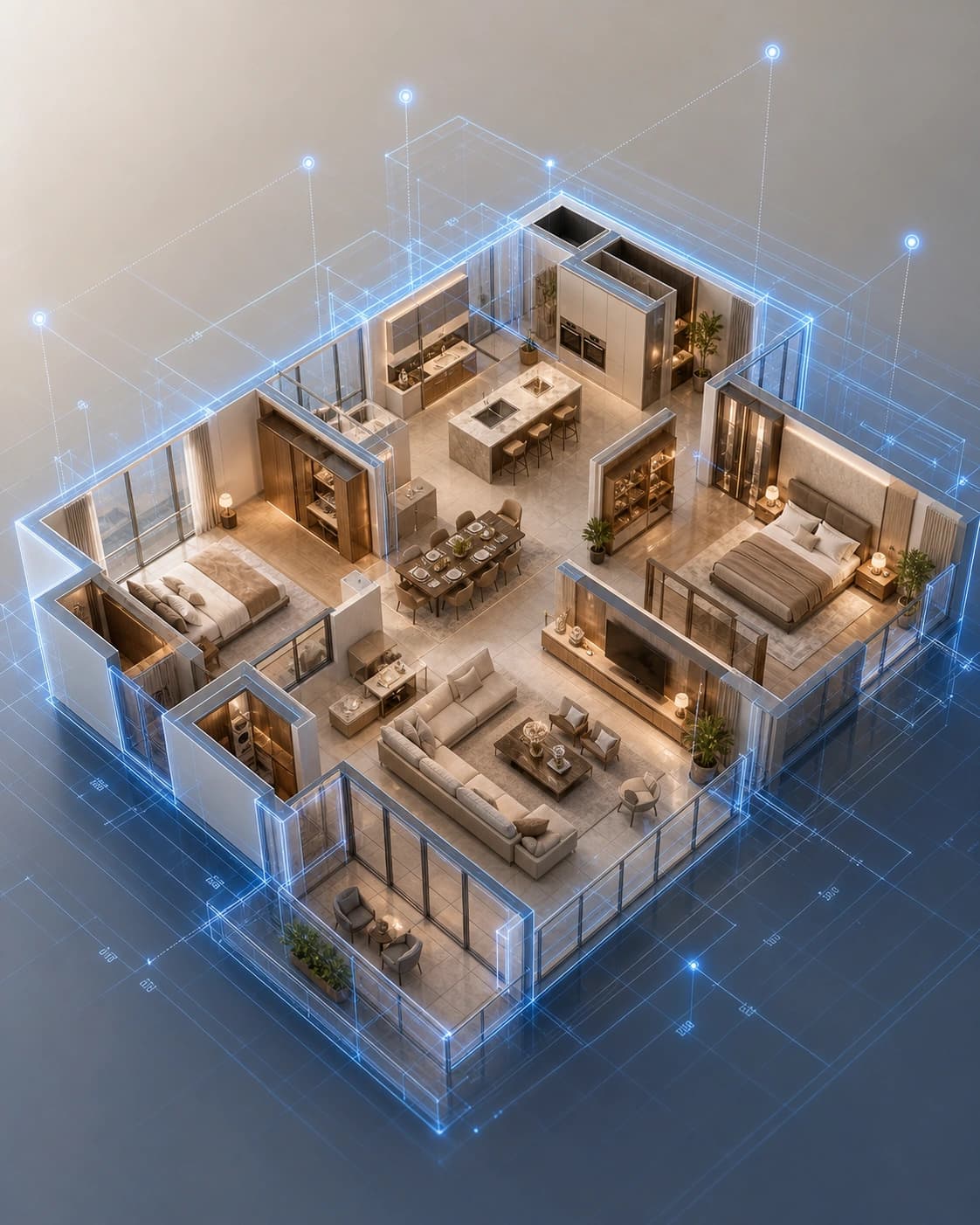
Understand how Homsutraa Spatial AI systems analyze layouts, optimize scene composition, and automate immersive visualization workflows.
spatial / understanding
Scene Understanding
Parse spatial structure automatically
- Extract walls, openings, and floor regions
- Recognize object relationships and adjacency
- Map environmental zones and circulation paths
hs.spatial.analyze({ floorplan: "plan.svg" });96%
layout accuracy
Developer Tools & Framework Support
Accelerate implementation workflows using developer-ready SDKs and flexible infrastructure systems.
$ npm install @homsutraa/sdkcopyimport { Homsutraa } from "@homsutraa/sdk";
const hs = new Homsutraa({ key: process.env.HOMSUTRAA_KEY });
await hs.render({ scene: "villa-001" });Framework Compatibility
Integrate with modern development environments and visualization systems.
Workflow Flexibility
Customize rendering and scene generation operations efficiently.
Deployment Support
Deploy scalable visualization systems across modern compute environments.
Infrastructure Monitoring
Track rendering performance and workflow stability in real time.
Technical Assistance & Infrastructure Guidance
Access technical support, implementation assistance, and infrastructure optimization resources for modern visualization workflows.
await hs.render({
  scene: "v1",
});Start Building Intelligent Visualization Systems
Integrate scalable rendering infrastructure, automate scene generation, and accelerate spatial AI workflows with Homsutraa documentation resources.
{
  "status": "ready",
  "frame": "10ms"
}